
Restaurant till that works offline Available
Connect POS
The internet drops. Your tills keep selling.
Tills, kitchen screens and customer displays on the shop network. Dine-in, takeaway and delivery, split bills, loyalty, and receipt and kitchen printing in Arabic — every sale goes back to Connect ERP when the connection returns.
- Windows
Screen 1 / 11
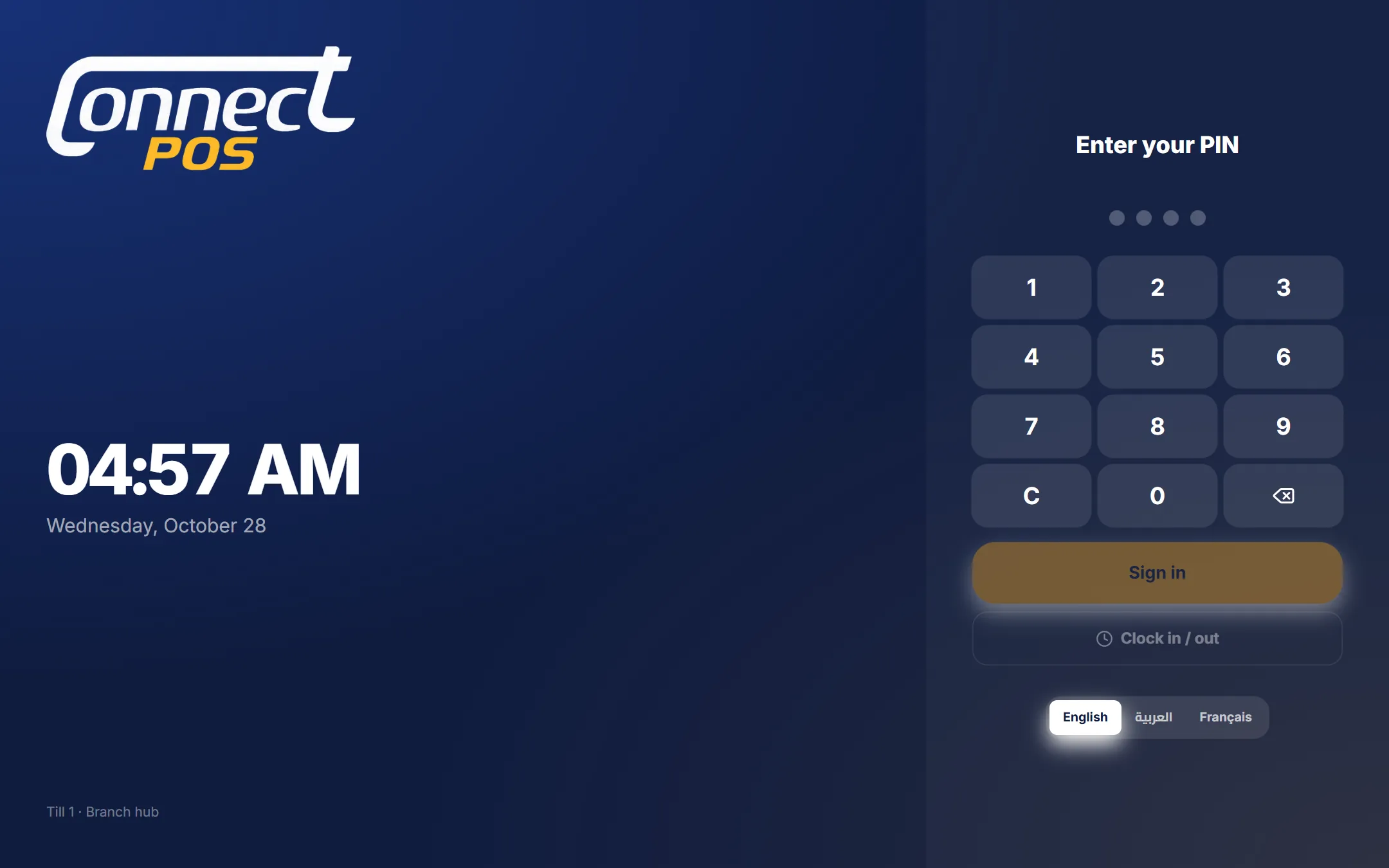
Every person signs in with a PIN
Managers, cashiers, waiters and the kitchen each have their own PIN and role. Staff clock in and out on this screen too.
Tap the highlighted areas, or use the arrows.
Demo data — no real customers are shown.
Kitchen and guests
Kitchen screens, a pickup notifier and a customer display
Screen 1 / 3
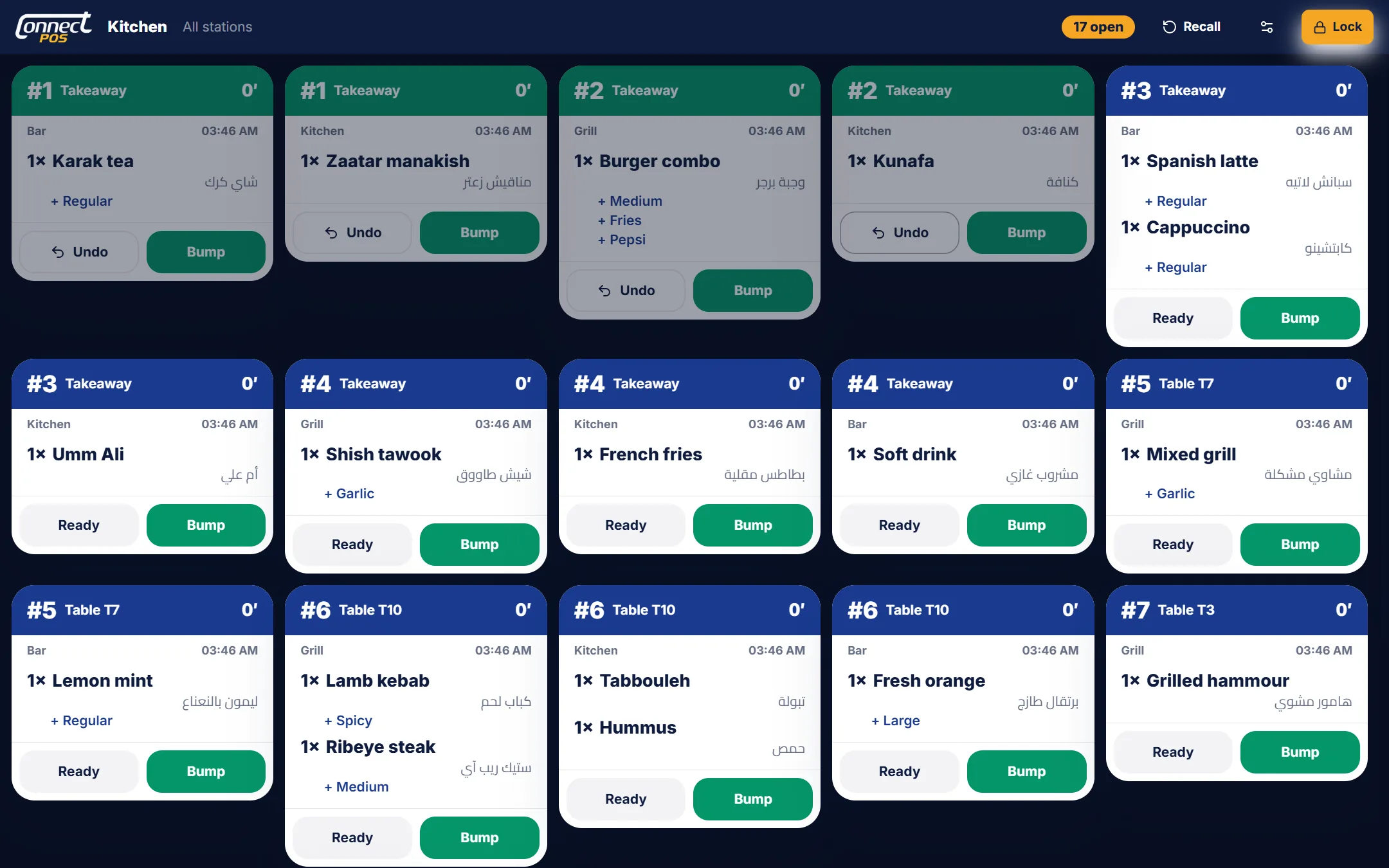
Kitchen screens instead of paper
Each station sees its own tickets with table, seats, options and the minutes waiting; one tap bumps a ticket to ready.
Tap the highlighted areas, or use the arrows.
Demo data — no real customers are shown.
Connect POS
What it does
Offline first
The branch Cashier keeps the data; the other devices join it over the shop network.
Tables, takeaway, delivery
Floors and tables, drivers, delivery fees and delivery-app prices.
Split & pay
Cash, card or both; split by items or equally.
Kitchen screens & printers
Each dish goes to its station; any ESC/POS printer, with Arabic and the tax QR.
Loyalty & discounts
Find a customer by phone, points per spend, preset discounts and vouchers.
Staff PINs & time clock
Roles at the till; clock-ins become attendance in HR.
Want to see it with your own data?
We set up a trial company for you and walk your team through it.
Works together with
 Available
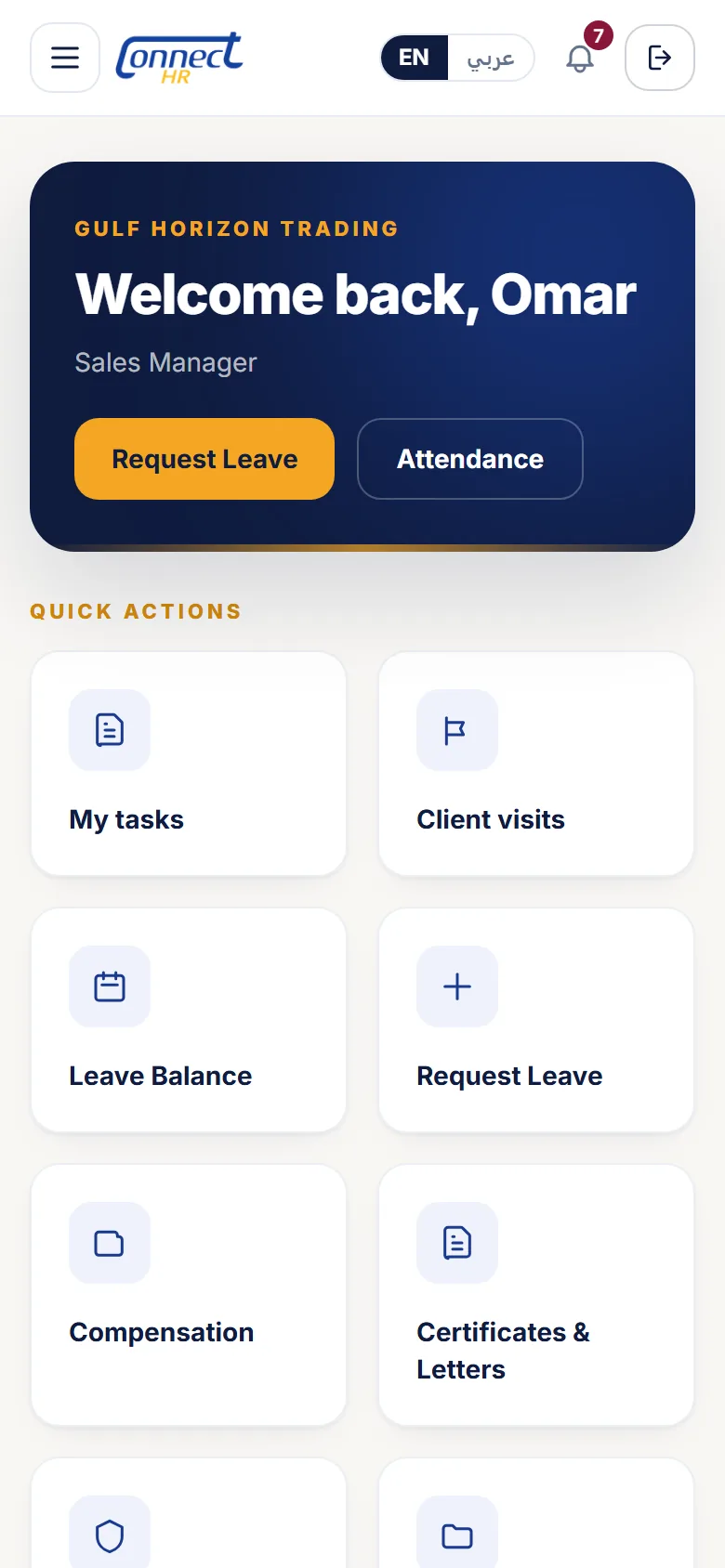
Phone app for every employee
Connect HR
HR in your team’s pocket.
See the product
Available
Phone app for every employee
Connect HR
HR in your team’s pocket.
See the product
 Available
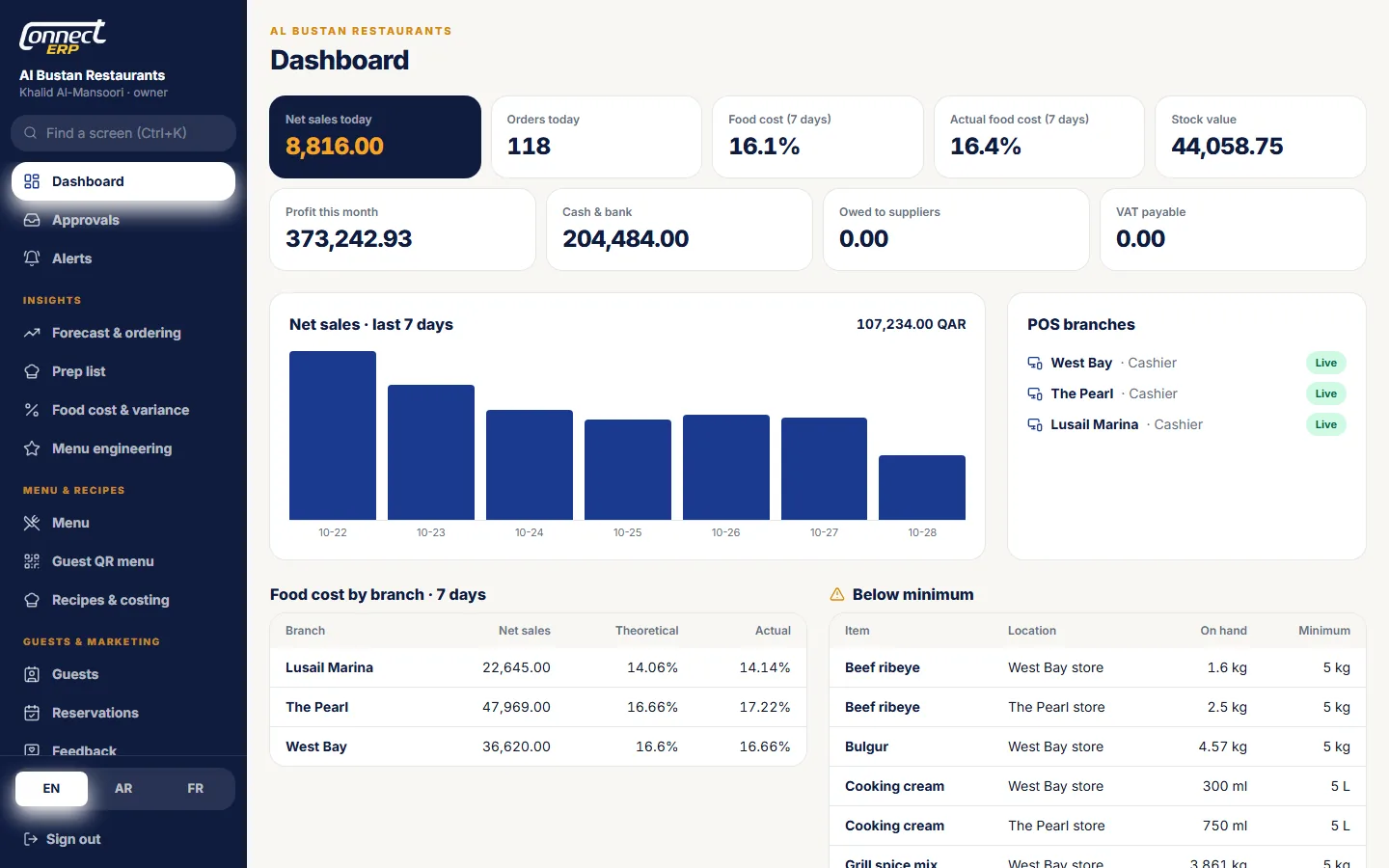
Head office for restaurant groups
Connect ERP
Every dish costed, every gram counted.
See the product
Available
Head office for restaurant groups
Connect ERP
Every dish costed, every gram counted.
See the product
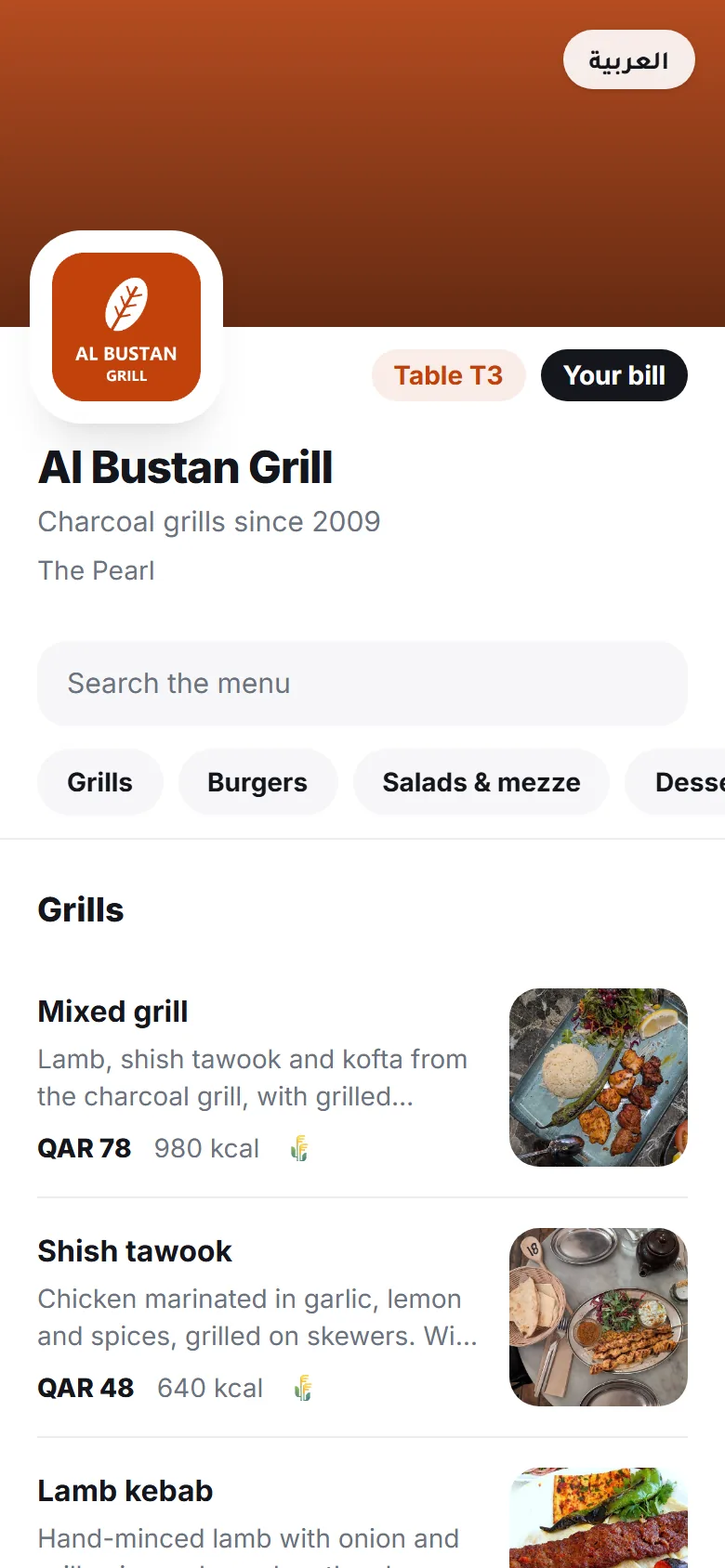 Available
QR menu for your guests
Connect Menu
Scan the table. See the dish in 3D. Order.
See the product
Available
QR menu for your guests
Connect Menu
Scan the table. See the dish in 3D. Order.
See the product